Maps and notes work offline. AI and new images need a connection.
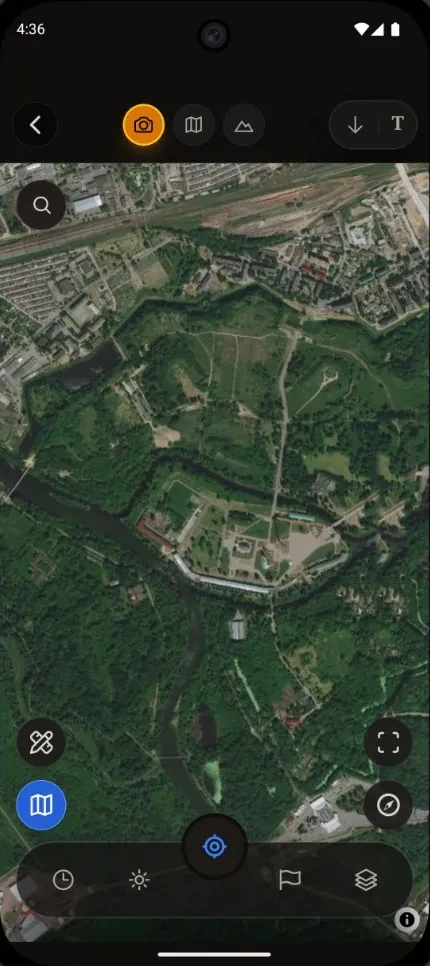
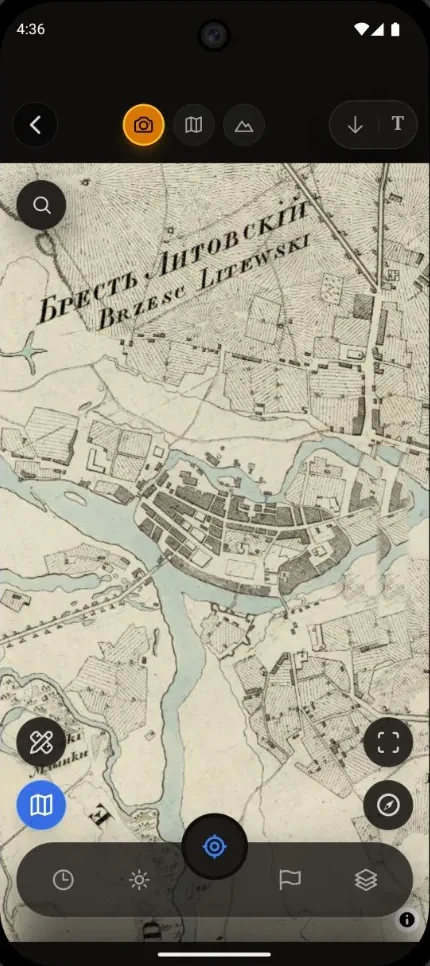
Old maps over satellite. There was more here than meets the eye.
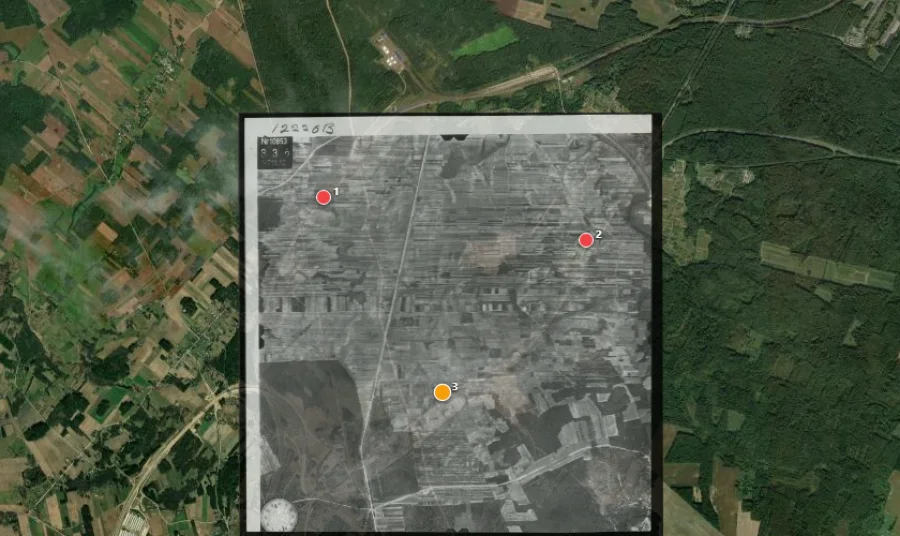
A meadow, a road, a village you know. Find the sheet in “Archive of this area”, lay the old map over the satellite and slide the opacity — no need to know the sheet number or hunt for it across a dozen tabs.
Etomesto maps and Luftwaffe aerial photographyArchive sheets, 1939–1945 NARA photos and community maps in one place.
Your own map works tooGeoreference a scan on your phone. Import SQLite, MBTiles or OziExplorer.
History around a pointA history scan shows nearby sites from open data. Or ask Ivanych: “What could have been here?”
The archive covers Eastern Europe in the most detail. Elsewhere, you can bring your own maps.
An old map over satellite and Archive of this area · app screens
Archive maps partner
Maps from the Etomesto portal — right inside Discovera
Archive sheets from the leading map portal are built into the app. Find the sheet you need, add it to your field set and keep going without jumping between services.
Etomesto sheets, NARA aerial photos and community maps — Belarus, Russia, Ukraine.
Aerial archive · Luftwaffe / NARA
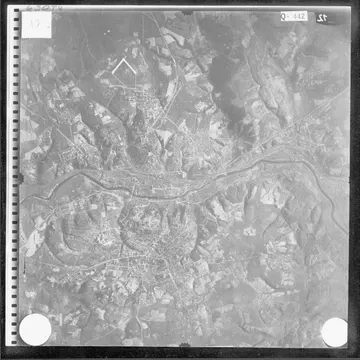
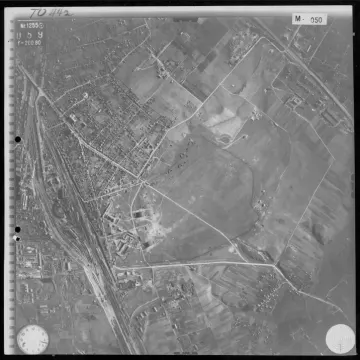
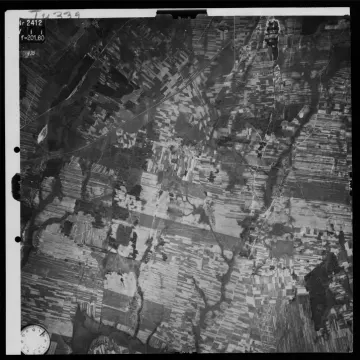
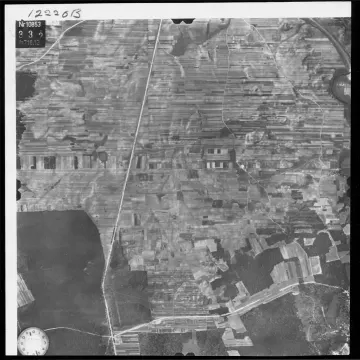
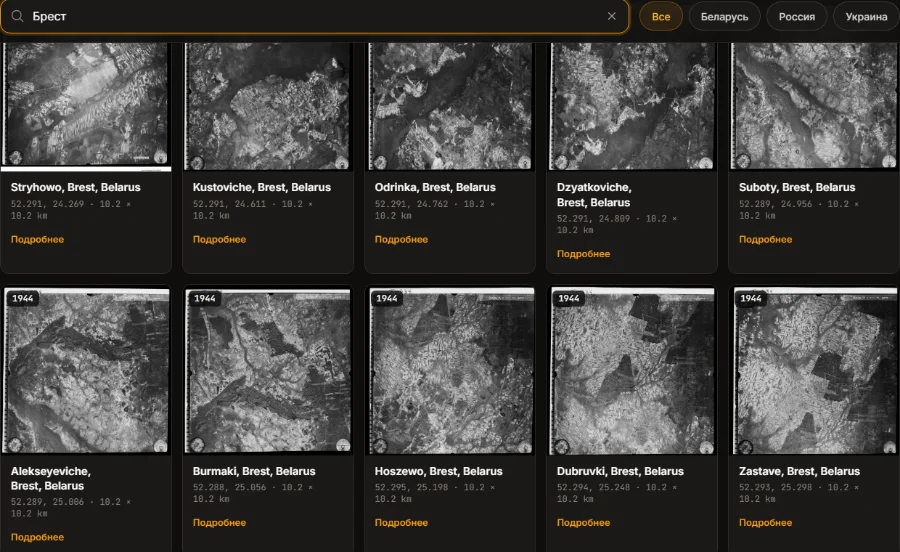
Over 40,000 Luftwaffe aerial photos of Belarus and Russia
German Air Force reconnaissance photos from 1939–1945. Most are already partly georeferenced: all that’s left is to refine the anchor points on the satellite, right on your phone.
1941 · Smolensk
1943 · Minsk
1944 · Brest District
1944 · Grodno District
Source: U.S. National Archives (NARA). These are reduced previews; the full photos open in the app and in the Discovera Maps catalogue.
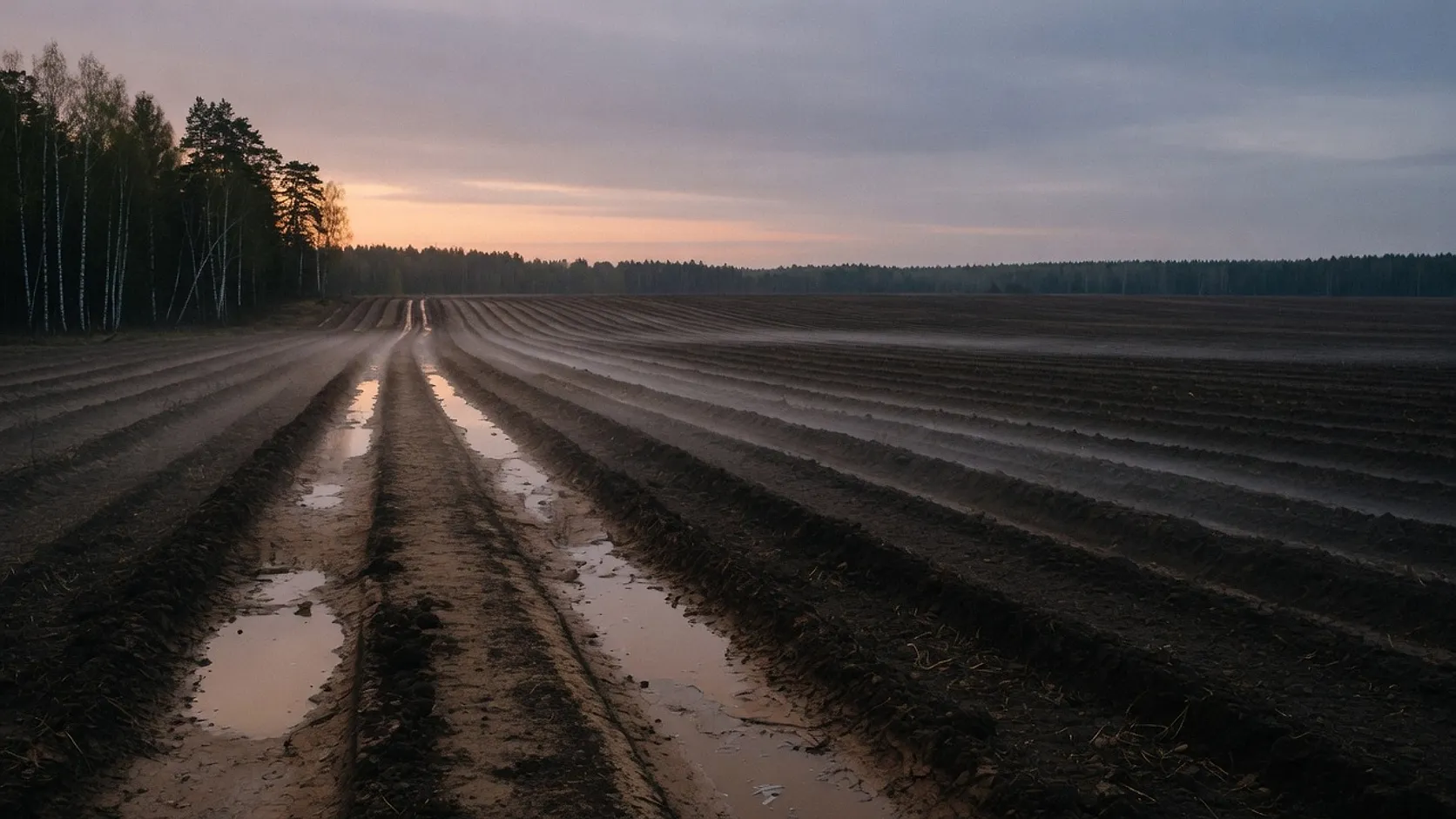
Fields by satellite and the Dig forecast. The field tells you when to go.
Don’t waste a weekend scouting blind. Check the field before you set off: is it harvested, is it ploughed, what’s the weather doing.
Trace a field. Watch it change.
Sentinel-2 images show where the crop is still standing, where there’s stubble and where it’s ploughed. Leave a field on watch and the app will let you know when it’s harvested or ploughed.
Images by dateSee how the field has changed, not just the latest frame.
Weather for the outingSoil temperature and moisture, wind, sunrise and sunset.
New images depend on satellite passes and cloud cover. They show the state of the field, not people or finds. Contains modified Copernicus Sentinel data 2026.
He’ll tell you which detector and coil to take, how to read a signal and where it’s worth going back. Ask by voice instead of typing with gloves on.
Detectors and coils
Signals and VDI
Sites and outings
Ivanych is an AI: he gives hints, not verdicts on a find. For anything important, there’s a human expert.
Ivan IvanychKeeper of Discovera
Does the SC24 coil fit the Nokta Legend?
No, it won’t. The SC24 coil is made for the Simplex series.
The Nokta The Legend has its own multi-frequency (SMF) electronics, and its coils carry their own marking — LG. It’s like bolting a carburettor from an old Lada onto a fuel-injected engine: wrong connector, and it won’t run anyway.
For the Legend, look for LG coils: LG24 (9.5″×6″) — for trashy sites, old foundations and woodland; it separates targets well.
Ask Ivanych…
Ivanych’s answer from the app, shortened
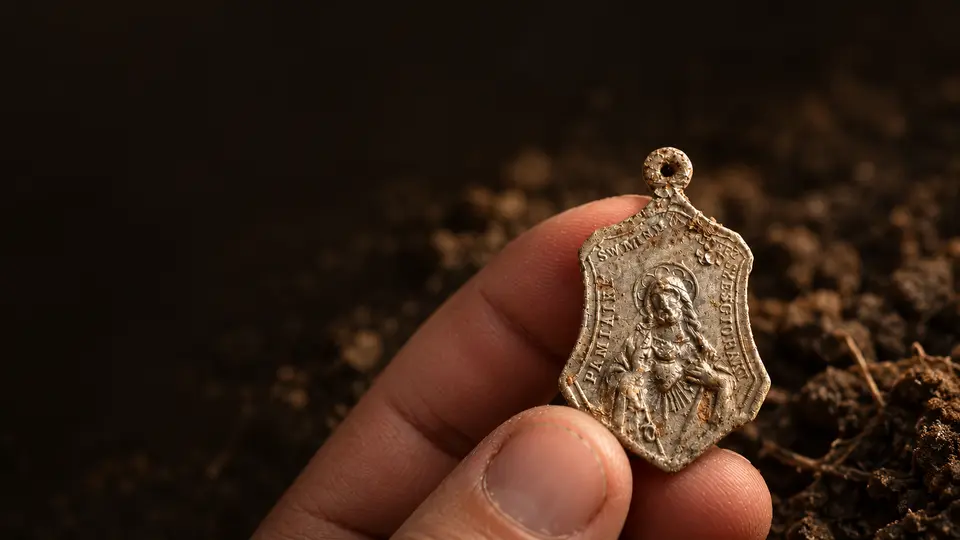
Finds catalogue and your own Museum. Not just a list. Your collection.
Every find is part of a bigger story. The Museum shows what you’ve already collected and what’s still missing.
Pick an era and build your history album by album. An empty slot can become the goal of your next outing.
Your spots stay under your control. Exact, area or hidden — you choose before publishing. Personal markers never go public automatically.
What Discovera costs. Free to start. No subscription.
The core tools are free. Coins pay for AI and certain actions. You see the price before you run anything.
Free
The core of your outing
Maps and the archive, tracks and markers, the finds catalogue, the Museum, the feed and chat.
For coins
When you need a hand
AI analysis and restoration, certain satellite actions, georeferencing beyond the free allowance, and starting a clan.
Current prices and limits are in the app. Coin pack prices depend on your Google Play country.
Sources, not legends
Etomesto, NARA, Copernicus Sentinel-2, OpenStreetMap and Wikidata. NARA photos are free in the archive’s own catalogue; our tools help you find and prepare them.
Follow your country’s laws, get the landowner’s permission and check whether the land is protected. Discovera is not meant for searching archaeological sites.
It depends on what you need. To simply look at an old map, any viewer will do; to keep a collection, you need a catalogue. Discovera is built for the case where you need all of it at once, right out in the field: the old map settles over the satellite, the areas you need are downloaded in advance, a find is saved with its photo and its place, and AI helps you make sense of it.
Maps and satellite areas downloaded in advance, your track, markers, notes and find drafts. Online actions go through once you reconnect. AI and loading new satellite images need a connection.
How should a beginner start without wasting a season?
Start with the law: where you may search and where you may not is cheaper to learn at home than in a field. Then decide why you are doing this — walking your own area, looking for a vanished village, or building a collection. Buy a mid-range detector rather than a flagship on credit; for a first season, headphones and patience matter more. Prepare the map in advance, at home, and write the find up the same day, while you still remember where it lay and how deep.
How do I read VDI without digging by the number alone?
VDI is a hint, not a passport. Learn tone and repeatability first, then fine discrimination. In Discovera, your detector and its settings are saved in the Arsenal, and the find card remembers what you dug it up with.
Check the archive on this page or open “Archive of this area” in the app. Coverage is densest in Eastern Europe. If the map you need isn’t there, you can request it or georeference your own scan.
Yes. SQLite, MBTiles and OziExplorer are supported. You can georeference a scan or a photo of a sheet by control points right on your phone; for preparing maps on a computer, there are web tools.
Markers: KML import and export. Tracks: GPX export, GPX and KML import.
How do I know a field has been harvested without driving out to it?
Trace the field and leave it on watch. Discovera analyses Sentinel-2 images and reports changes: where the crop is still standing, where there’s stubble and where it’s ploughed. Freshness depends on satellite passes and cloud cover — this is not real-time monitoring.
Can I trust AI restoration?
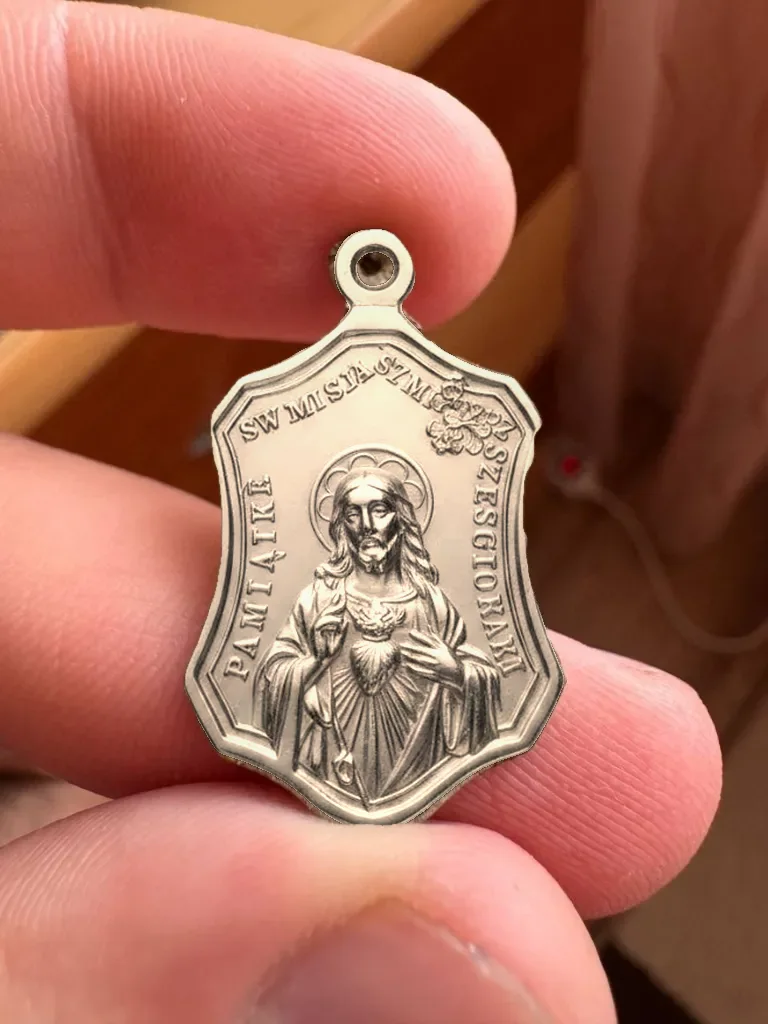
It’s a suggestion of how the object may have looked, not proof of its original state. AI analysis can be wrong too. For important questions, you can turn to a human expert.
Who will see where I made my find?
Before publishing, you choose: the exact spot, the general area, or hidden coordinates. Personal markers and drafts never go to the public layer automatically.
Is there an iPhone version?
Not yet. Discovera is available for Android 7.0 and later. On devices without Google services, some online features may be limited.
Which languages is the app available in?
Six: English, Russian, German, Polish, Belarusian and Ukrainian.
What do I have to pay for?
The basics are free, and there’s no subscription. Coins are used for AI and certain actions. Before you run one, the app shows the price and the free allowance you have left; coin pack prices are listed in Google Play.
Every signal is the start of a story.
Download the metal detecting app. The past is closer than it seems.
Start with a place you know. You may never have seen it like this.
Free·Android 7+·6 languages·No subscription
01
Open the map where you are
Install the app and sign in with Google or email.
02
Look into the archive
Pick an old map and move the opacity slider.
03
Start your own story
Check the nearest field or photograph an old object for analysis.
 Google Play